What Exactly Happened?
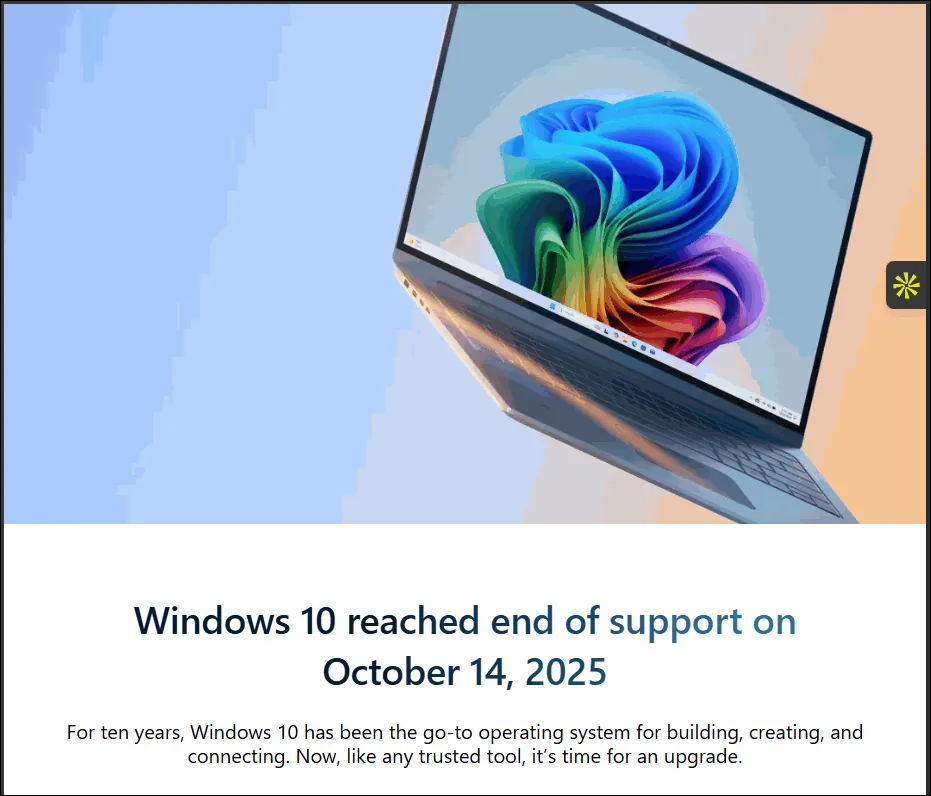
On October 14, 2025, Microsoft officially ended support for Windows 10. This is what they call "End of Life," and it means Microsoft will no longer release security patches, bug fixes, or updates for Windows 10.
For Nigerian users, this is especially serious. A large majority of PCs in Nigerian homes, schools, offices, banks, and government agencies still run Windows 10. Many of these machines will never get another security update again.
Think of it like this: your front door lock is now broken, and the locksmith has closed shop permanently.
What Are the Real Risks?
Here is what can happen when you continue using an unsupported operating system:
-
Viruses and malware: Cybercriminals actively target unpatched systems. Once a new vulnerability is discovered, there will be no fix from Microsoft.
-
Ransomware attacks: Hackers can lock your files and demand payment, this has already happened in Nigerian banks and organizations.
-
Data theft: Your personal data, banking details, and business files can be stolen without you knowing. This is how personal information leaks into the hands of scammers and fraudsters.
-
Software incompatibility: Over time, new apps and browsers will stop supporting Windows 10, leaving you unable to use modern tools.
What are the next steps?
Step 1: Check If Your PC Can Run Windows 11
Windows 11 is the upgrade path, but not every PC can run it. Microsoft has strict hardware requirements. Here is how to check yours right now:
1. Press the Windows key + R on your keyboard
2. Type msinfo32 and press Enter
3. Look for Processor and Installed RAM
4. You need at least: 1GHz dual-core processor, 4GB RAM, 64GB storage, and TPM 2.0
You can also download Microsoft's free PC Health Check app from the Microsoft website to get an automatic yes/no answer.
Step 2: If Your PC Is Compatible; Upgrade Now
If your PC qualifies, upgrading to Windows 11 is free. Here is the safest way to do it:
1. Back up your files first. Copy important documents, photos, and files to an external drive or Google Drive. Do not skip this step.
2. Go to Settings > Windows Update > Check for Updates.
3. If Windows 11 appears, click Download and Install.
4. Let it run. The upgrade typically takes 45 minutes to 2 hours depending on your internet and hardware.
Step 3: If Your PC Cannot Upgrade; Do This Instead
Many older Nigerian PCs, especially Pentium, Core 2 Duo, and early Core i3 machines, cannot run Windows 11. If that is your situation, here are your options:
• Option A: Get Extended Security Updates (ESU): Microsoft is offering paid security updates for Windows 10 users through 2026. This buys you time but is not a long-term fix.
• Option B: Install Linux: Free operating systems like Ubuntu or Linux Mint run well on older hardware and are fully supported. This is the smartest long-term move for an older PC.
• Option C: Isolate the machine: If you must use Windows 10 as a business owner, disconnect it from the internet, install a strong antivirus, and never use it for banking or sensitive activities.
• Option D: Budget for a new PC: Nigerian Tokunbo (fairly used) laptops that support Windows 11 are available. Start saving if your machine is very old.
There are ways to install Windows on unsupported hardware but be careful of the steps so you don't make costly mistakes. I put together a detailed PDF guide that walks you through everything, upgrading, fixing errors, protecting your PC if you can't upgrade, and more. Get the Full Guide for ₦1,000. More details below.
Common Problems After Upgrading to Windows 11 (And How to Fix Them)
Many users run into issues after upgrading. Here are the most common ones:
Problem: PC is very slow after upgrade
Go to Settings > Privacy & Security > Diagnostics & Feedback and turn off all diagnostic options. Also disable startup programs: press Ctrl + Shift + Esc, go to Startup tab, and disable everything you do not recognize.
Problem: Microsoft account keeps being forced on you
During setup, disconnect your internet before clicking next. Windows 11 will then offer a local account option without requiring a Microsoft account.
Want the Complete Step-by-Step Fix Guide? I put together a detailed PDF guide that walks you through everything; upgrading, fixing errors, protecting your PC if you can't upgrade, and more. It also includes a free download of my Windows Office Removal Tool (worth ₦2,000 on its own). Get the Full Guide for ₦1,000 → here |
|---|
Final Word
The end of Windows 10 is not something to ignore or delay. Every day you remain on an unpatched system is a day your data and privacy are at risk.
The good news: the fix is straightforward, often free, and takes less than two hours. Take action today.
Have questions? Drop them in the comments below.