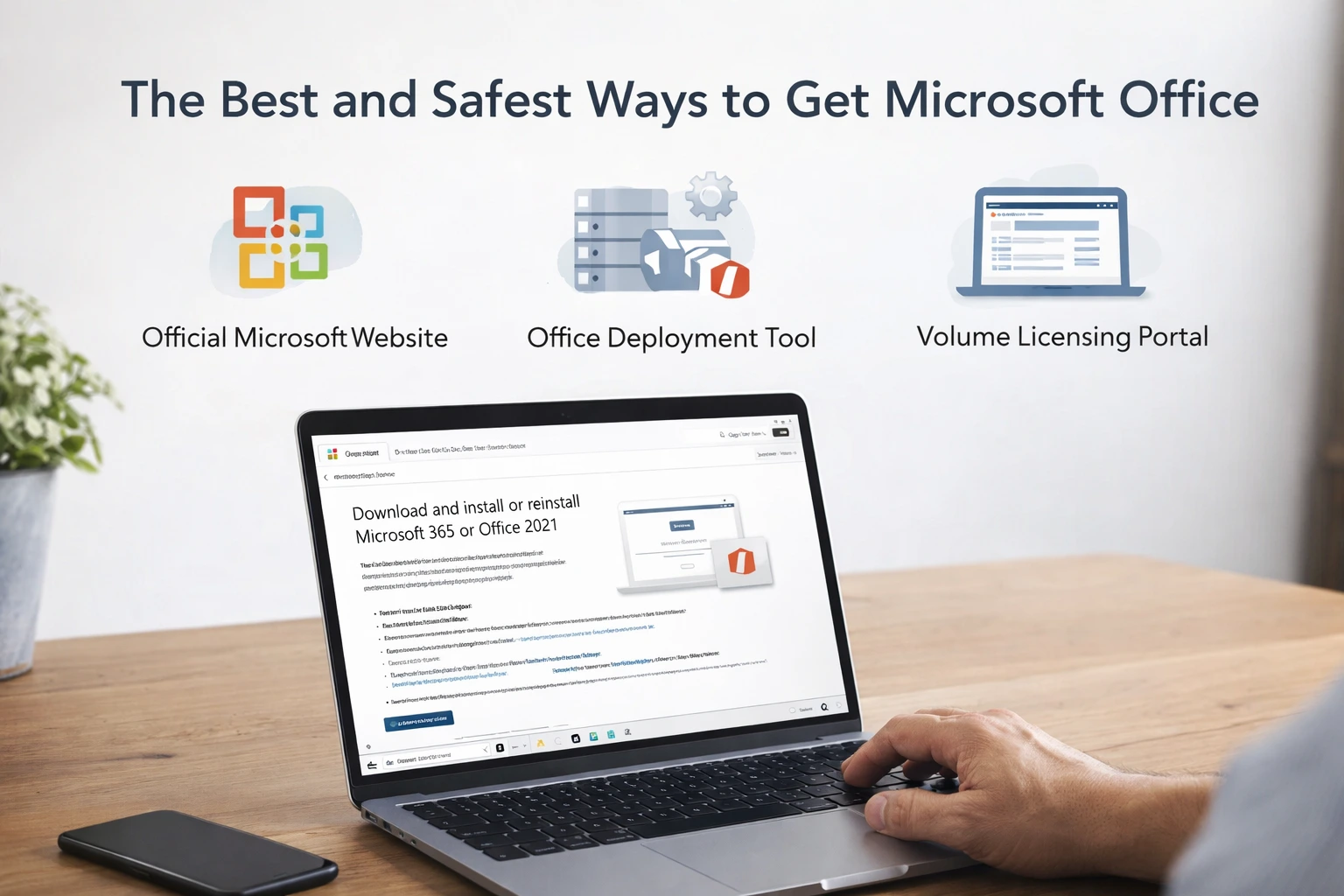
I've curated a list of the official methods of acquiring the Microsoft Office suite and Office365. Using official methods ensure you're protected, you also receive updates promptly and avoid breaking things on your PC which is what unofficial downloads do.
1. Official Microsoft Website (Most Common)
The safest way is downloading directly from Microsoft.
Typical flow:
-
Go to office.com
-
Sign in
-
Download the installer
-
Install and activate with your account
-
This installs Microsoft 365 which activates automatically.
Advantages
-
Always the latest version
-
Automatic updates
-
Fully supported
Downside
- Requires subscription.
2. Office Deployment Tool (Best for Offline or Custom Installs)
The Office Deployment Tool (ODT) is the official installer used by IT admins.
What it allows:
-
Download offline installers
-
Choose which apps to install
-
Select specific versions
-
Deploy on multiple computers
Typical process:
-
Download ODT from Microsoft
-
Create a configuration XML
-
Run the download command
-
Install offline
This is the cleanest way to get full offline installers.
Many tech support people prefer this.
3. Microsoft M365 admin center (Businesses)
Companies with volume licenses download Office from the Microsoft M365 admin center.
Used by:
-
universities
-
corporations
-
government offices
It provides ISO installers and activation keys.
4. Microsoft Store Installation
Some users install Office through the Microsoft Store.
Pros:
-
Very simple install
-
Automatic updates
Cons:
-
Less control over components
-
Harder to troubleshoot
-
Many IT professionals avoid this version.
5. Open-Source Alternatives (If Budget Is the Issue)
If someone cannot afford Office, they can use:
-
LibreOffice
-
Google Docs
These avoid piracy completely.
If you need help activating or purchasing Office keys as an individual or business. Send us an email here |
|---|
If you have more questions, drop it in the comments below.